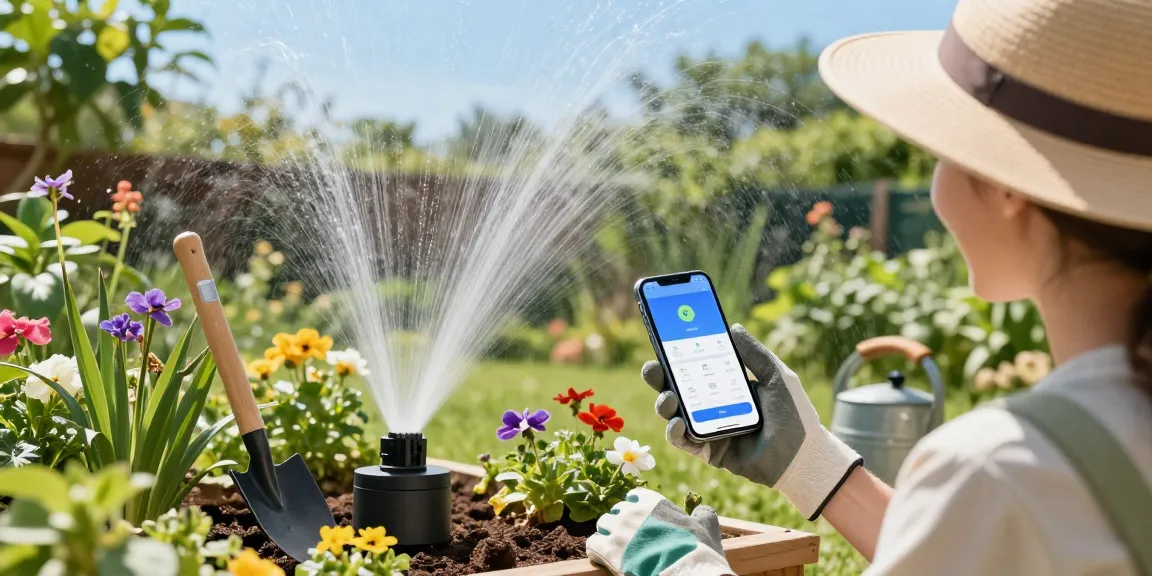
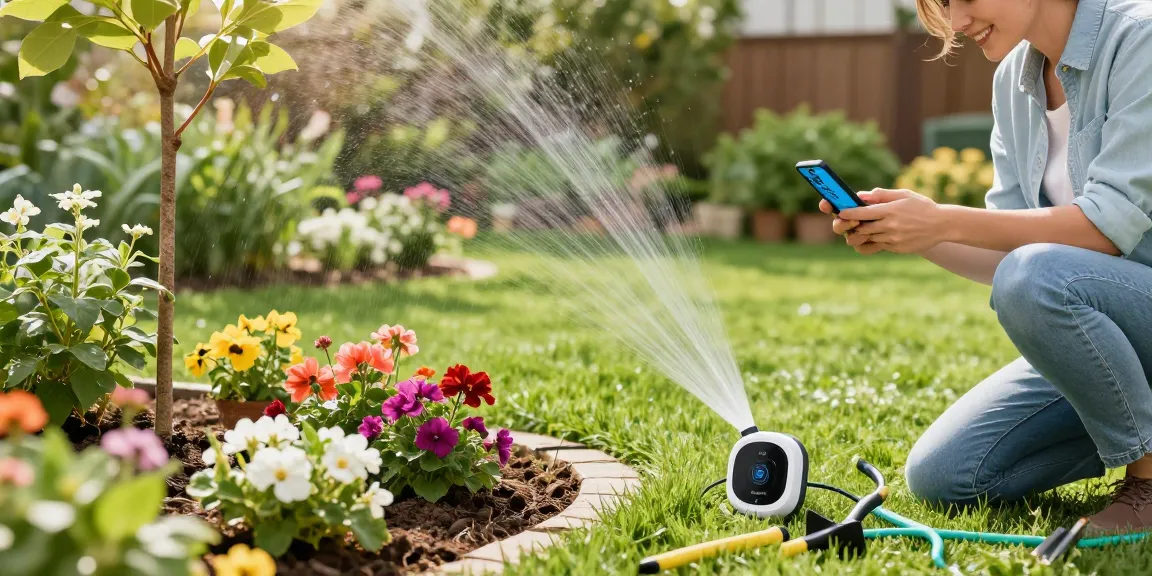
On a humid June morning, Maria stepped into her backyard and her shoes sank into soft, waterlogged turf—again. Her newly planted rose bed shows yellowing leaves and shallow roots, while a corner of her vegetable patch is developing mildew. She’s been running the sprinkler daily because the lawn still looks thin. There’s a high chance the real problem isn’t drought—it’s overwatering. This guide walks through common overwatering scenarios and matches them to the right smart-timer solutions so your yard recovers and stays healthy.
Spotting Overwatering: Signs, Causes, and the Smart Timer Match
Problem: Your lawn turns patchy, feels squishy, and thatch accumulates. Flower and vegetable leaves yellow or drop, and roots rot in heavy soil.
Why it happens: Overwatering often stems from timers set by day-only schedules, ignoring rainfall, soil type, or plant needs. Clay soils hold water longer than sandy soils. Newly seeded lawns need short, frequent misting; established grass needs deep, less frequent watering.
Smart-timer solution
Use a WiFi-enabled smart irrigation timer that adjusts schedules for weather, soil type, and evapotranspiration (ET). A WiFi timer such as the RainPoint model lets you change run times remotely, pause irrigation when rain is predicted, and set multiple custom zones for lawn vs. beds. For Maria, switching from a fixed twice-daily watering to a smart schedule reduced run time per cycle and eliminated needless watering after storms.
- Clay soil: shorter frequency, shorter duration, or increase soak-drain intervals.
- Sandy soil: more frequent but shorter cycles to prevent runoff.
- New plants: use short pulses to keep seedbeds damp without drowning roots.
For a quick action step, many homeowners who want to fix overwatering issues with a smart irrigation timer find pairing a smart timer with simple soil moisture monitoring immediately stops needless watering after rain.
Match the Right Setup to Your Yard Size and Plant Types
Problem: You own a specific yard type—small ornamentals, a large lawn, a mixed-use yard—and one timer setting doesn’t work across the board.
Why it happens: Different areas need different delivery methods. A single sprinkler head pattern that soaks a flower bed wastes water. Potted plants require gentle, slow watering that sprinklers can’t provide.
Solutions by scenario
Small lawn or rental yards: Mobile or temporary sprinkler setups controlled by a smart plug or a portable WiFi timer are inexpensive and flexible. Example: A 1/10-acre lawn—one or two oscillating sprinklers on 15–20 minute cycles, 2–3 times per week in summer, reduces overwatering compared with daily manual runs.
Large lawn: Smart in-ground controllers with multiple zones give the best control. Set dedicated deep-root watering (e.g., 20–30 minutes per zone once every 3 days) rather than daily light mistings that encourage shallow roots. According to the EPA’s WaterSense program, smart controllers can save homeowners an average of 8–20% of outdoor water use; some households see savings up to 30% when adjusting schedules by soil and plant type (EPA WaterSense).
Vegetable gardens and raised beds: Precise drip lines and timed cycles prevent saturated beds and fungal issues. Drip systems run for shorter, more frequent intervals early morning, delivering water to the root zone without wetting foliage—ideal for tomatoes and peppers.
Flower beds & shrubs: Use soaker hoses or low-flow drip with zone-specific run times to keep roots moist but soil surface drier. For example, deep-watering perennials once per week for 45–60 minutes (low flow) encourages deep root systems without daily surface wetness.
Timer Features That Stop Overwatering: What to Compare
Problem: You’re shopping for a timer but don’t know which features actually reduce overwatering.
Why it happens: Basic timers still use fixed schedules. Without sensors, they keep running even after heavy rain or when soil is saturated.
Key features to prioritize
- Weather-adaptive scheduling: Adjusts run times based on local forecasts and ET data.
- Soil moisture integration: Works with moisture sensors to skip or shorten cycles when the ground is wet.
- Multi-zone programming: Lets you set different durations and frequencies by area (lawn vs. beds).
- Cycle and soak capability: Breaks long run times into intervals to reduce runoff and allow percolation.
- Remote control and notifications: Stop or adjust watering from your phone after an unexpected storm.
Example comparison table: basic vs. smart vs. smart + sensors
FeatureBasic TimerSmart TimerSmart + Soil SensorWeather adjustmentsNoYesYesSoil moisture-based skipNoOptionalYesMulti-zone controlLimitedYesYesRun-time savings potential0–5%10–25%15–40%
Concrete example: On a 0.2-acre suburban lawn, switching from a non-smart timer that watered 20 minutes/day to a smart timer with ET-based reductions cut irrigation by ~30% in July, preventing soggy soil and fungus outbreaks.
How to Install and Tune a Smart Timer to Prevent Overwatering
Problem: You bought a smart timer but overwatered the first month because you used default run times.
Why it happens: Default settings are conservative and often assume low-efficiency heads or sandy soils. The right initial setup needs a site visit—even if it’s your own backyard.
Step-by-step tuning checklist
- Map your zones: separate lawn, beds, pots, and veggie areas. Write down head type and soil (clay/silt/sand).
- Install a moisture sensor in representative spots: lawn root zone and a bed root zone.
- Set cycle-and-soak: run 10–15 minutes split into 2–3 cycles if you have clay soil to allow infiltration.
- Program reduced ET times: input plant types and local climate or allow the controller to fetch local ET data.
- Test after rain: confirm the timer pauses scheduled runs when sensors or weather predictions indicate wet soil.
Practical example: After installing a RainPoint WiFi timer and a soil sensor, one homeowner reduced their weekly runtime from 210 to 120 minutes and stopped seeing puddles in the front yard after storms. A university extension trial shows that matching irrigation to plant needs can reduce water use by up to 50% in some landscapes (University of California Cooperative Extension).
For help choosing components that will let you reliably RainPoint your yard, look for controllers that provide soil-sensor inputs and weather station compatibility; the brand's lineup includes options that work well with both in-ground systems and portable setups.